
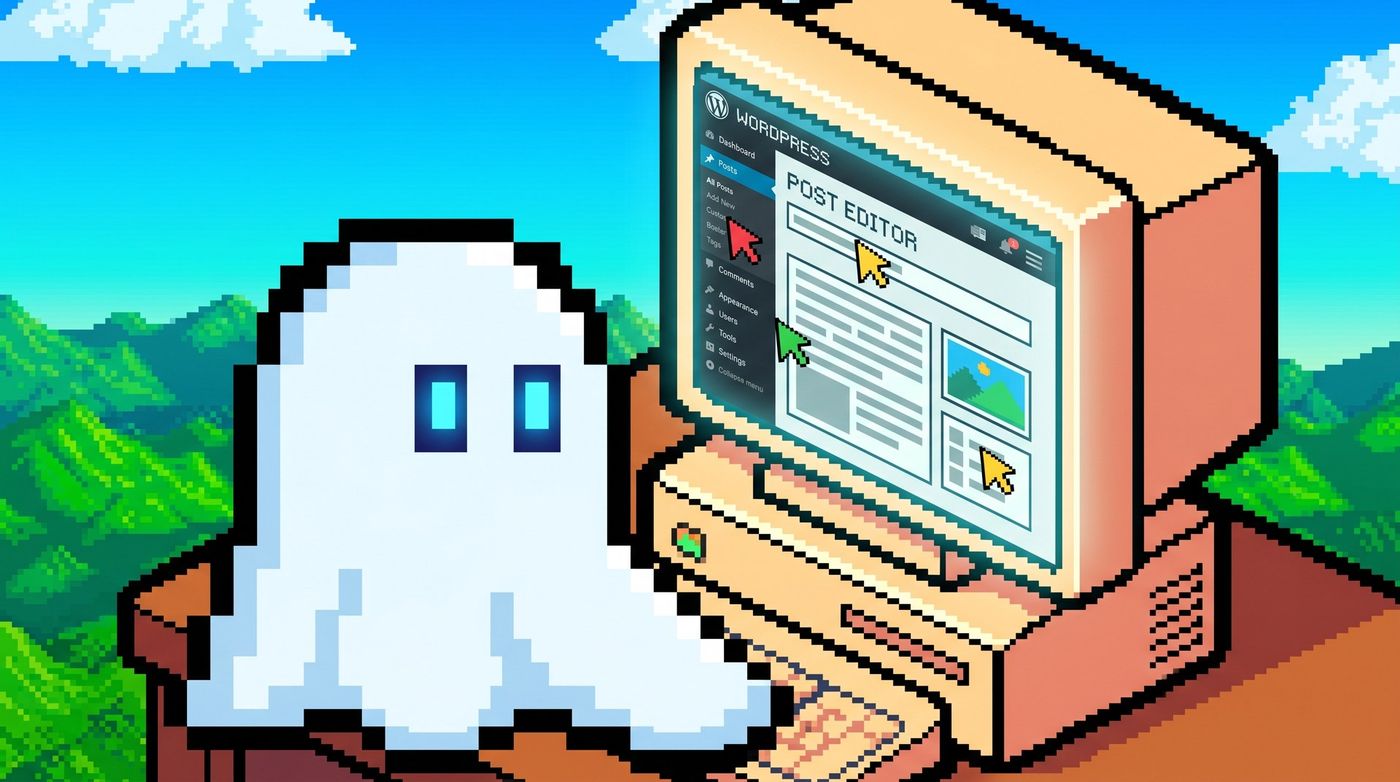
WordPress 7.0 releases on May 20, 2026, and it is the most significant update to the platform since the Gutenberg editor launched in version 5.0. This major release brings real-time co-editing, a native AI integration layer, two new core blocks, a completely redesigned admin interface, and a responsive Grid block. If you run a WordPress site whether a personal blog, a business website, or a WooCommerce store these changes affect your workflow, your plugins, and your SEO. WordPress currently powers 42.2% of all websites on the internet, so a version this large carries real weight. This guide breaks down every confirmed feature in WordPress 7.0, explains what each one means for your site, and gives you a clear upgrade checklist so the move to 7.0 goes smoothly.
What Is WordPress 7.0?
WordPress 7.0 is the first major version of the platform released in 2026. It arrives as part of the project's return to three major releases per year after a slower release cadence in recent years. The jump from 6.x to 7.0 signals architectural maturity this is not just a feature update but a platform shift.
The release candidate process has been unusually thorough. The team shipped Release Candidate 3 on May 8, 2026, after pushing the final launch from an original April 9 target date to May 20. That extra time paid off: RC3 has cleared extensive community testing with no critical blockers remaining. PHP 8.3 is the recommended runtime for 7.0, though the minimum supported version stays at PHP 7.2.24. If you are still on PHP 7.x, upgrading your hosting environment before the update lands is strongly advisable.
Why WordPress 7.0 Matters in 2026
Three forces make this release more important than a typical major update.
First, AI-driven search is reshaping content discovery. According to BrightEdge research, Google AI Overviews coverage grew 58% in the 12 months through February 2026, with B2B technology queries triggering AI results jumping from 36% to 82%. Content teams need faster collaboration tools and tighter AI integration to keep pace and WordPress 7.0 delivers both.
Second, the admin interface that shipped in 2008 is finally being replaced. The WP List Tables system has looked largely the same for nearly two decades. WordPress 7.0 retires it in favor of a DataViews-based component that is faster, filterable, and fully mobile-responsive.
Third, real-time collaboration is now table stakes for any serious CMS. Notion, Google Docs, and Payload CMS have offered it for years. WordPress 7.0 closes that gap with a fully functional co-editing system built directly into core no plugin required.
Real-Time Co-Editing: How It Works
Co-editing is the headline feature of WordPress 7.0. Multiple users can open the same post or page in the block editor simultaneously, with live cursors and real-time changes visible to every participant. It works on shared hosting out of the box no special server configuration required.
WordPress ships a default HTTP polling sync provider. Hosts and plugin developers can add WebSocket support for lower-latency sync using a new open hook in core, but the polling implementation is fully functional for most editorial workflows. When a user goes offline mid-edit, WordPress buffers their changes locally and syncs them automatically once the connection is restored no lost work, no merge conflicts to resolve manually.
The Notes feature inside the block editor also gains real-time syncing in 7.0. Inline comments update live for all participants, and a new keyboard shortcut lets editors add a note to any block without leaving the keyboard. For teams running editorial workflows inside WordPress, this alone removes a significant amount of friction.
The sync architecture is designed to be extensible. A provider-registration API lets hosts including WP Engine, Kinsta, and Cloudways swap in WebSocket-based sync for subscribers who need sub-second latency. WordPress.com is expected to ship WebSocket support at launch.
Top 8 WordPress 7.0 Features
Here are the eight most important changes landing in WordPress 7.0:
- Real-time co-editing — Multiple editors on the same post simultaneously, with HTTP polling by default and WebSocket support available via hook.
- Web Client AI API — A provider-agnostic API in core lets plugins and themes connect to external AI services. Configure your provider once in Settings > Connectors and every compatible plugin inherits those credentials automatically.
- Native AI providers — OpenAI, Anthropic (Claude), and Google Gemini are supported at launch. No third-party plugin required to connect.
- Breadcrumbs block — A new core block that renders a schema-compliant breadcrumb trail. Directly valuable for structured data and SEO, especially on category and archive pages.
- Icons block — Lets editors add decorative SVG icons from a curated library in the block editor, powered by a new server-side SVG Icon Registration API that prevents block validation errors on updates.
- Responsive Grid block — The Grid block now adapts its column layout automatically across screen sizes, removing the need for custom CSS or a page builder plugin on most responsive designs.
- Redesigned admin screens — Posts, Pages, and Media screens now use the DataViews component, replacing the 18-year-old WP List Tables interface with a faster, filterable, mobile-responsive UI.
- Command Palette Omnibar — A ⌘K (Mac) / Ctrl+K (Windows) shortcut in the admin bar opens a command palette for navigation, block insertion, and settings access without touching the mouse.
How to Upgrade to WordPress 7.0 Safely
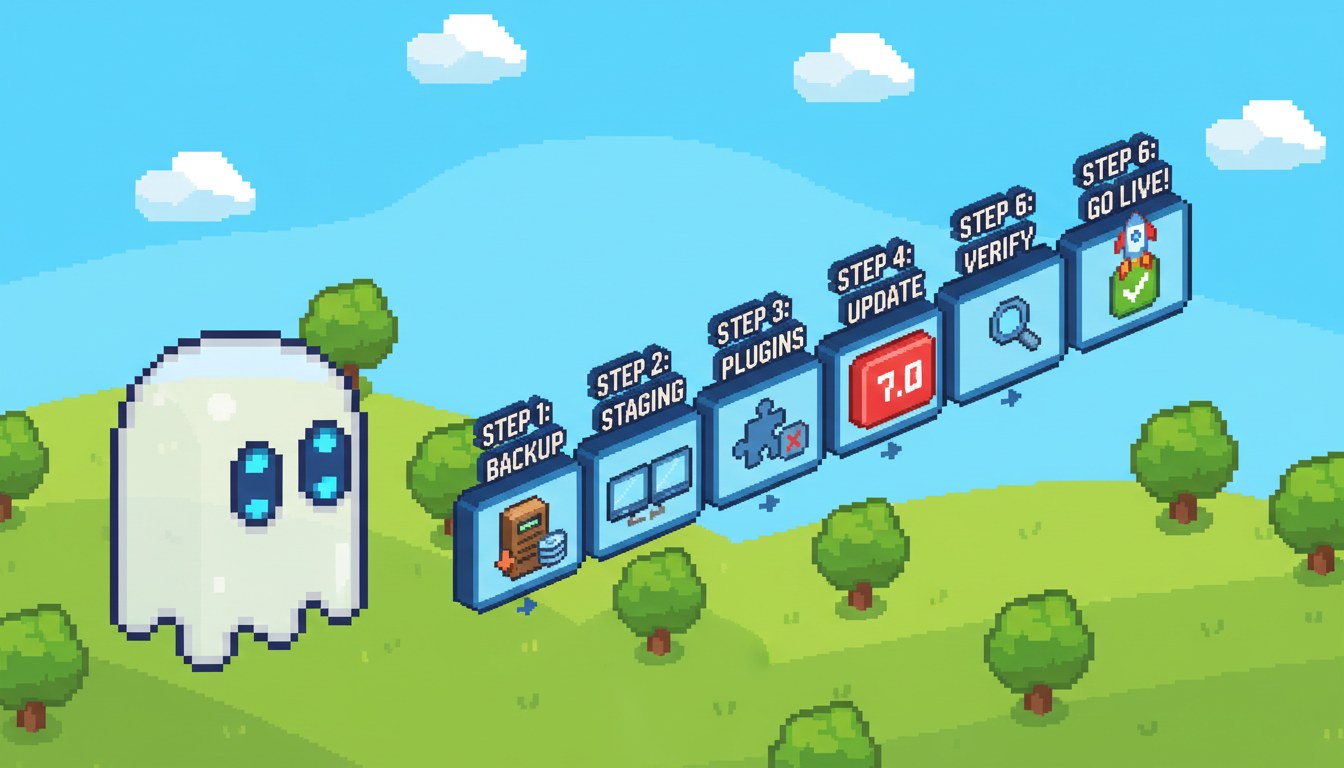
A major version upgrade deserves a methodical approach. The upgrade path itself is the same as previous versions Dashboard > Updates > Update Now but these six steps reduce the risk of downtime or a broken site.
1. Back up first. Use a plugin like UpdraftPlus or your host's built-in snapshot feature to take a full backup files and database before touching anything. A backup from the last 24 hours is sufficient; older ones carry risk if your database has changed.
2. Check PHP compatibility. WordPress 7.0 recommends PHP 8.3. Run the PHP Compatibility Checker plugin against your active theme and all plugins before upgrading the runtime. Most major plugins have already shipped 8.3-compatible releases.
3. Test on staging. Most managed hosts (WP Engine, Kinsta, Cloudways) offer one-click staging environments. Apply the 7.0 update there first, then walk through your critical user flows homepage, single posts, contact forms, checkout if applicable.
4. Review plugin updates. Major WordPress releases often require plugin patches for new APIs. Check your active plugins' changelogs for "WordPress 7.0 compatible" notes. Plugins that directly manipulate WP List Tables HTML may need minor updates for the new DataViews interface.
5. Update during a low-traffic window. Even with staging tested, schedule the production update for when your traffic is lowest typically late night on a weekday. Most hosts show your traffic patterns in their analytics dashboards.
6. Verify after the update. Check your homepage, a single post, a category archive, a contact form, and your checkout if applicable. Confirm the new admin screens load correctly with the DataViews interface. If anything breaks, you have a clean backup to restore from within minutes.
FAQ
When does WordPress 7.0 release?
WordPress 7.0 releases on May 20, 2026. The original release date was April 9, 2026, but the core team delayed it after stability concerns surfaced during release candidate testing. Release Candidate 3 shipped May 8, 2026, and the final version is on track for the revised date.
Is WordPress 7.0 backward compatible?
Yes. WordPress 7.0 maintains backward compatibility for themes and plugins built on established APIs. The DataViews admin redesign replaces the WP List Tables UI but does not break plugins that hook into admin screens using standard action and filter hooks. Plugin authors relying on direct HTML manipulation of list table markup may need minor updates check your plugin vendors' compatibility announcements before upgrading production.
Does WordPress 7.0 require any new plugins for AI features?
No. The Web Client AI API is built into core. You do not need a third-party plugin to connect to OpenAI, Anthropic, or Google Gemini. Configure your preferred AI provider credentials once in Settings > Connectors, and every compatible theme or plugin on your site inherits those settings automatically. Third-party AI plugins will continue to work alongside the native API.
Will real-time co-editing work on shared hosting?
Yes. The default co-editing implementation uses HTTP polling, which works on any host including shared hosting without server configuration. If your host supports WebSockets, a host integration or plugin can switch to that protocol for lower-latency sync. The polling-based experience is fully functional for editorial teams; WebSocket support matters most for teams with four or more simultaneous editors working at high speed.
Does WordPress 7.0 affect SEO?
Several features have direct SEO implications. The new Breadcrumbs block outputs schema-compliant structured data, which can enhance how your pages appear in Google Search results with breadcrumb rich snippets. The redesigned admin and responsive Grid block reduce the need for custom CSS, which can improve Core Web Vitals scores particularly Cumulative Layout Shift. The native AI API may accelerate content production but does not change how Google evaluates quality. E-E-A-T signals expertise, experience, authoritativeness, trustworthiness remain as important as ever under the May 2026 algorithm updates.
WordPress 7.0 is the most feature-packed release the platform has shipped in years. Real-time co-editing, native AI integration, and a rebuilt admin interface address the three most common complaints from content teams in 2026. The upgrade path is the same as any previous version, the staging workflow is straightforward, and acting on the PHP 8.3 recommendation now is worthwhile regardless of the update. The release drops May 20 seven days to test on staging, then ship with confidence.